
内緒Private AI chat for iPhone
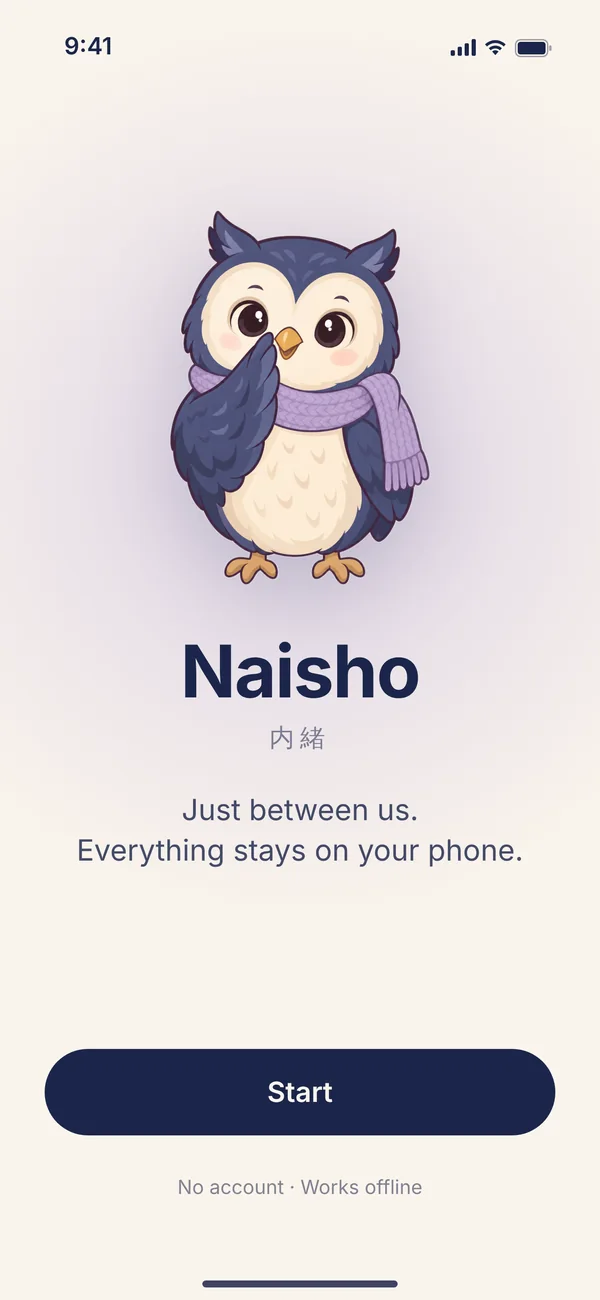
Just between us.
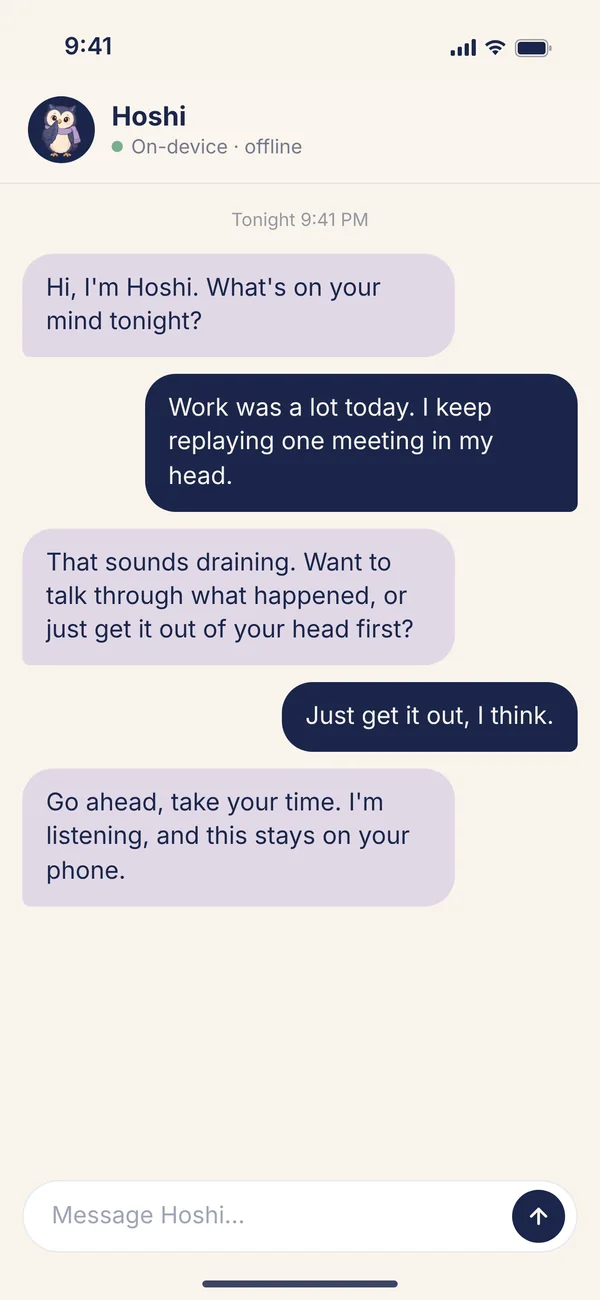
A quiet place to think out loud. Talk to Hoshi, your AI owl. Hoshi replies right on your iPhone, and your Naisho chats stay there.
Requires iOS 26 and Apple Intelligence. Check your iPhone.

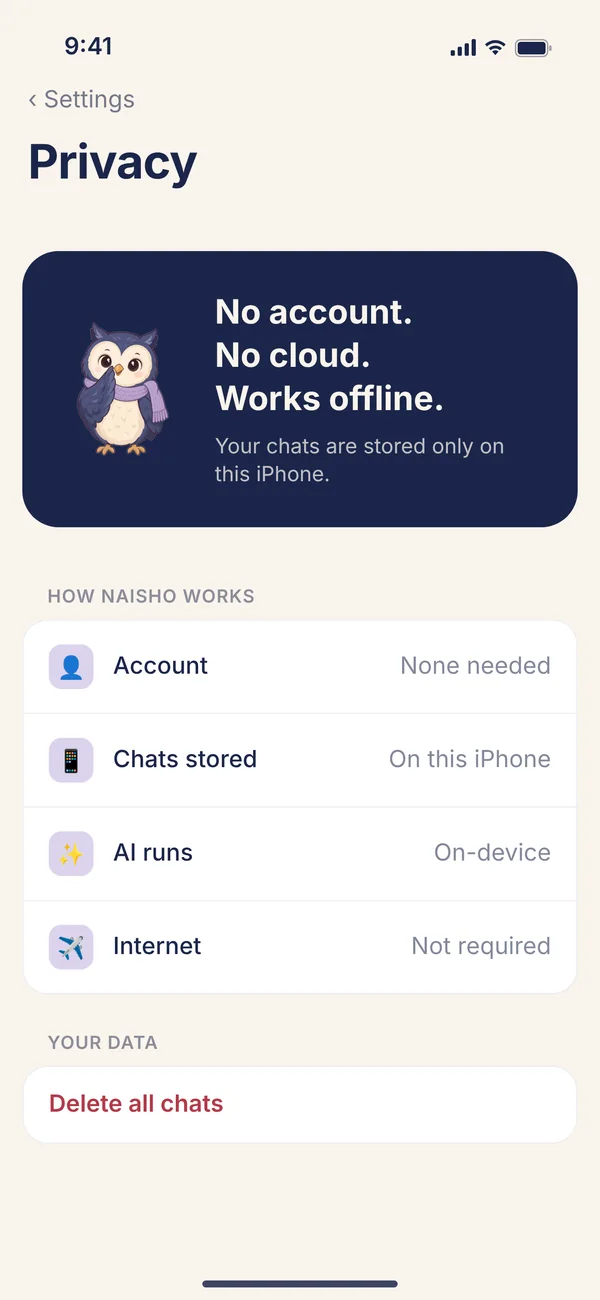
Privacy in the app
Your chats stay with you.
Naisho uses Apple’s on-device model. The app doesn’t send your chats to a Naisho server or include them in iCloud backups.
No Naisho account
Open the app and start a chat, without giving Naisho an email address or phone number.
Chat offline
Once the app and Apple’s model are installed, you can chat even in airplane mode.
Stored on your iPhone
Chats are encrypted on your phone. You can delete them all in the app whenever you like.
Try the free beta
From TestFlight to your first chat.
Join the free iPhone betaApple’s invite currently displays the earlier name “ELEVATEAI: Private Chat.”
Open the invite on your iPhone
Use Apple’s TestFlight invite and follow the install instructions.
Turn on Apple Intelligence
Use a supported iPhone with iOS 26. If the model is still downloading, finish setup on Wi-Fi before going offline.
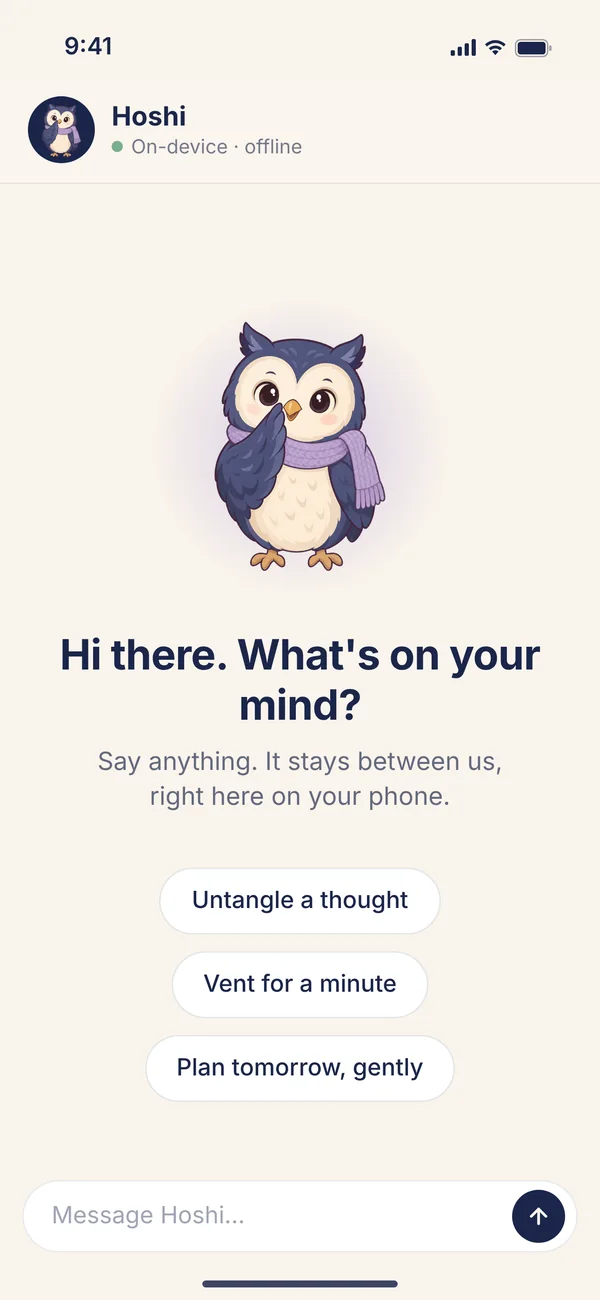
Say what’s on your mind
Open Naisho and start typing. There’s no Naisho sign-up to get through first.
When you need a moment
Some things are easier to type.
Vent a little
Put a frustrating day into words.
Make a journal entry
Capture what happened and how it felt.
Think out loud
Sort through a decision or try out what you want to say.
Good to know
Questions?
Is Naisho therapy?
No. Naisho is a private place to put your thoughts into words. It isn't therapy, counseling or medical care, and it can't diagnose or treat anything. If you'd like support from a person, a licensed professional is the right call.
Where are my chats stored?
Only on your iPhone. Each chat is encrypted with a key kept in your iPhone's Keychain for this device only, and chats are left out of iCloud backups. There's no Naisho server and no account, so we can't see your chats. That also means if you delete the app or change phones, your chats don't come with you.
Does it work without internet?
Yes. Once Naisho and Apple’s on-device model are installed, you can chat in airplane mode. You’ll need a connection for TestFlight, installation and any initial model download.
Which iPhones does it work on?
An iPhone 15 Pro, iPhone 15 Pro Max, or iPhone 16 or later, on iOS 26, with Apple Intelligence turned on (Settings › Apple Intelligence & Siri). On older iPhones the app installs but can't chat. Right after you turn Apple Intelligence on, your iPhone may need a few minutes on Wi-Fi to finish downloading Apple's model.
How much does it cost?
Nothing. Naisho is a free beta on TestFlight right now.
How do I delete my chats?
Tap the trash button on the Chats screen, or use “Delete all chats” in the privacy screen. You confirm once, and every conversation is erased from your phone.
What if I'm in crisis?
Please don't rely on Naisho. In the US, call or text 988 (Suicide & Crisis Lifeline), any time, day or night. If you're in immediate danger, call 911. Outside the US, contact your local emergency number.
Why does the AI sometimes say no?
Naisho uses Apple's built-in on-device AI, which has its own safety filter. Now and then it turns down an ordinary request. Tap Try again, or Rephrase and say it a little differently.
Beta news
Get Naisho updates.
An email when a new build is ready. That’s it. Unsubscribe anytime.